 prusaprinters
Printbed Scraper
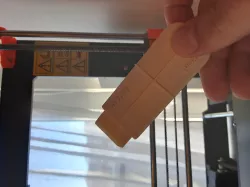
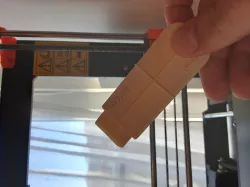
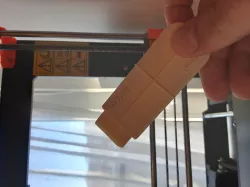
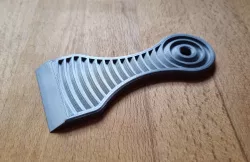
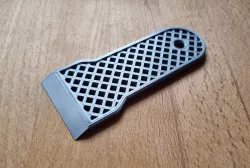
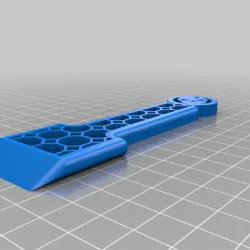
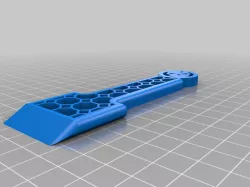
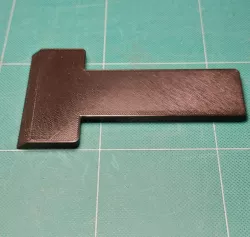
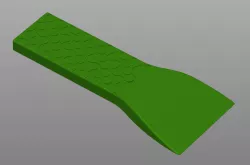
Have you ever had problems removing your prints from the printbed?Well, this tool i created will help you remove prints easier. How to use? Simple, insert the scraper in it's holder as in the photos before.After your print is done, let your printbed cool down and place the scraper in a corner of your model.Try pushing it hard, it will work, or not. if it's not working, try hiting it from the botom with the end of a kitchen knife or another tool. Hope it's helpfull to you, Designed with Solidworks 2017
Direct link to the original creator's page
Also Available On
More from tarnauca
Similar Models
 prusaprinters
 prusaprinters
 prusaprinters
 prusaprinters
 cults3d
 thingiverse
 prusaprinters
 prusaprinters
Model Specifications
Frequently Asked Questions
How do I download Printbed Scraper?
Click the "View on prusaprinters" button above to visit the original model page on prusaprinters. You can download the STL file directly from the creator's page for free.
What 3D printer can I use for this model?
This STL file is compatible with most FDM 3D printers (Creality Ender 3, Prusa MK3S+, Bambu Lab, etc.) and resin printers (Elegoo, Anycubic). Check the original page for recommended print settings and materials.
Is this 3D model free to download?
Yes, this model is available as a free download on prusaprinters. Some creators accept tips or donations.
Can I modify this STL file?
Most STL files can be modified using free software like Blender, TinkerCAD, or Meshmixer. Check the license on the original prusaprinters page to see if modifications are permitted by the creator.